Redeem your purchase
Type your code
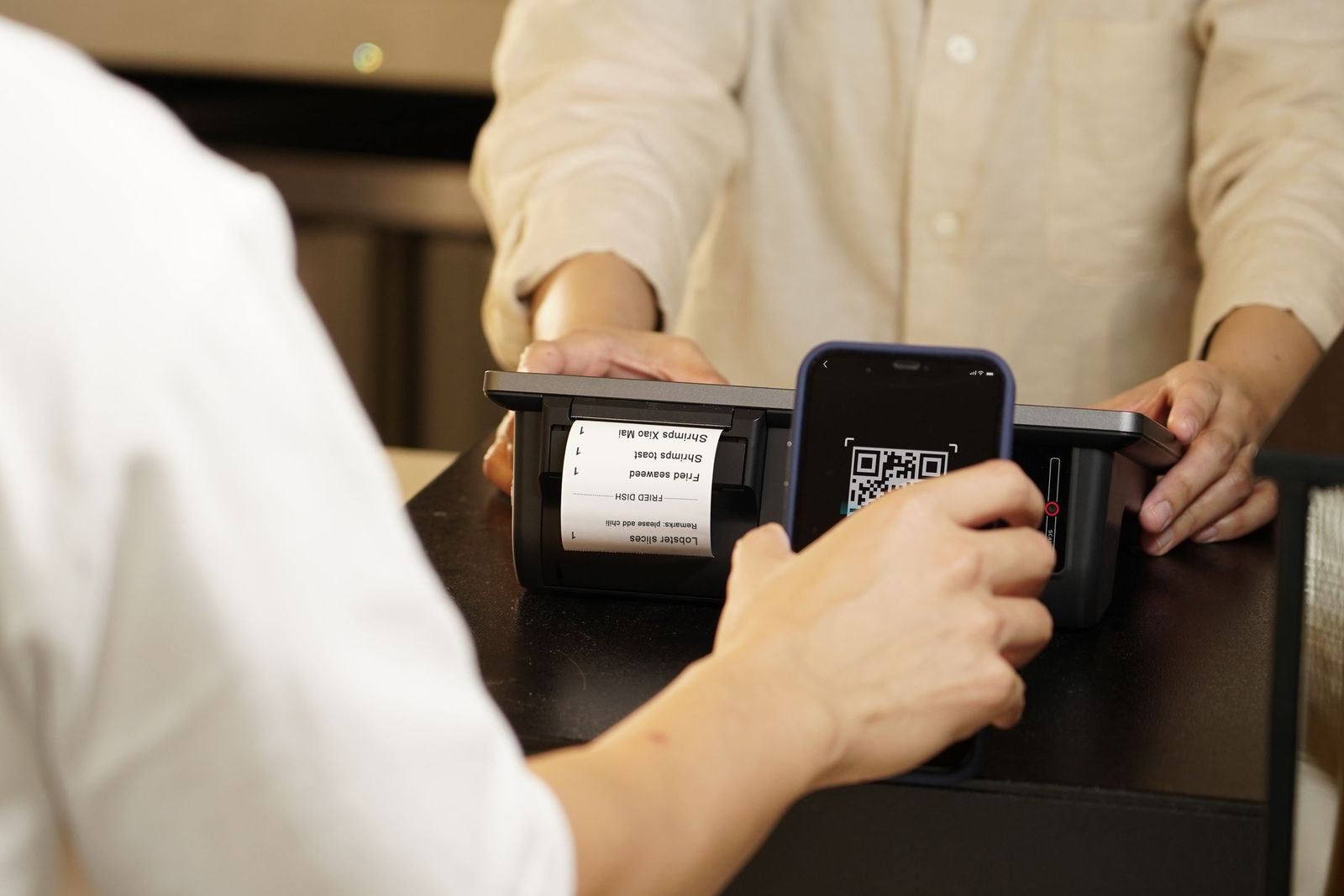
Find the code printed on your receipt, just below the QR. Looks like VPX-XXXX-XXX.
Tip: if you can, scan the QR code on the receipt instead - it's faster and you won't mistype.
Typing your code does exactly what scanning the QR does: it opens your redemption page so you can carry on with your purchase. Codes never use the letters I or O, or the numbers 0 or 1, so nothing on the receipt can be mistaken for something else.
Lost your receipt? Contact the shop where you bought it, or email support@voicepro.plus.